STORE UPDATE
LIVE
Image
R6 │Morphine
UpdatingDescription
- Operating system: Windows 10, Windows 11 (21H2, 22H2, 23H2, 24H2, 25H2)
- Processor: Intel & AMD
- Video card: Nvidia & AMD
- Client: UPlay (Ubisoft Connect), Steam, Epic Games, Microsoft Store
- Enable – turns the aimbot on and off, and also allows you to assign an activation key
- Visible Check – the aimbot selects only visible targets
- Target Allies – allows aiming at allies
- Smooth – adjusts the smoothness of aiming at the target
- FOV – the size of the area for the aimbot to acquire targets
- FOV Draw – displays the aimbot's effective area on the screen
- FOV Color – allows changing the color of the displayed FOV area
- Max Distance – sets the maximum distance for target acquisition
- Bone – allows selecting the body part to aim at (head, neck, chest, torso)
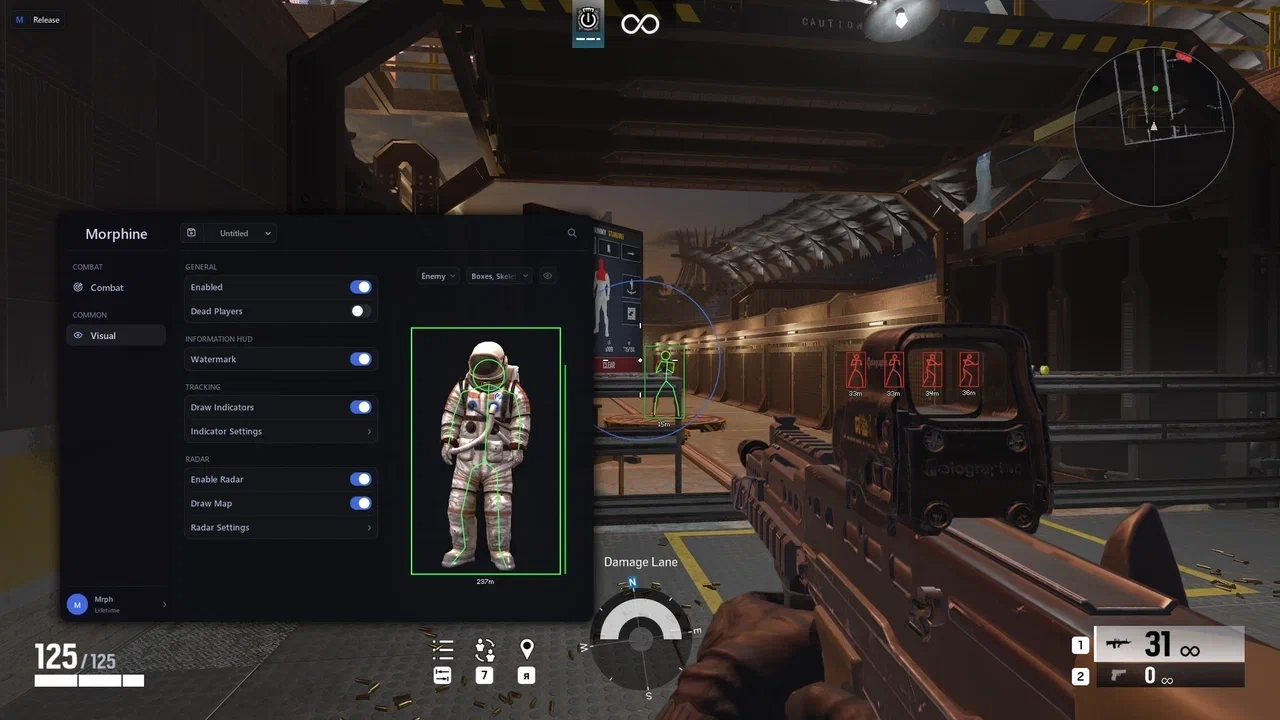
- Enabled – turns player visual display on and off
- Enemy – configures ESP display for enemies
- Ally – configures ESP display for allies
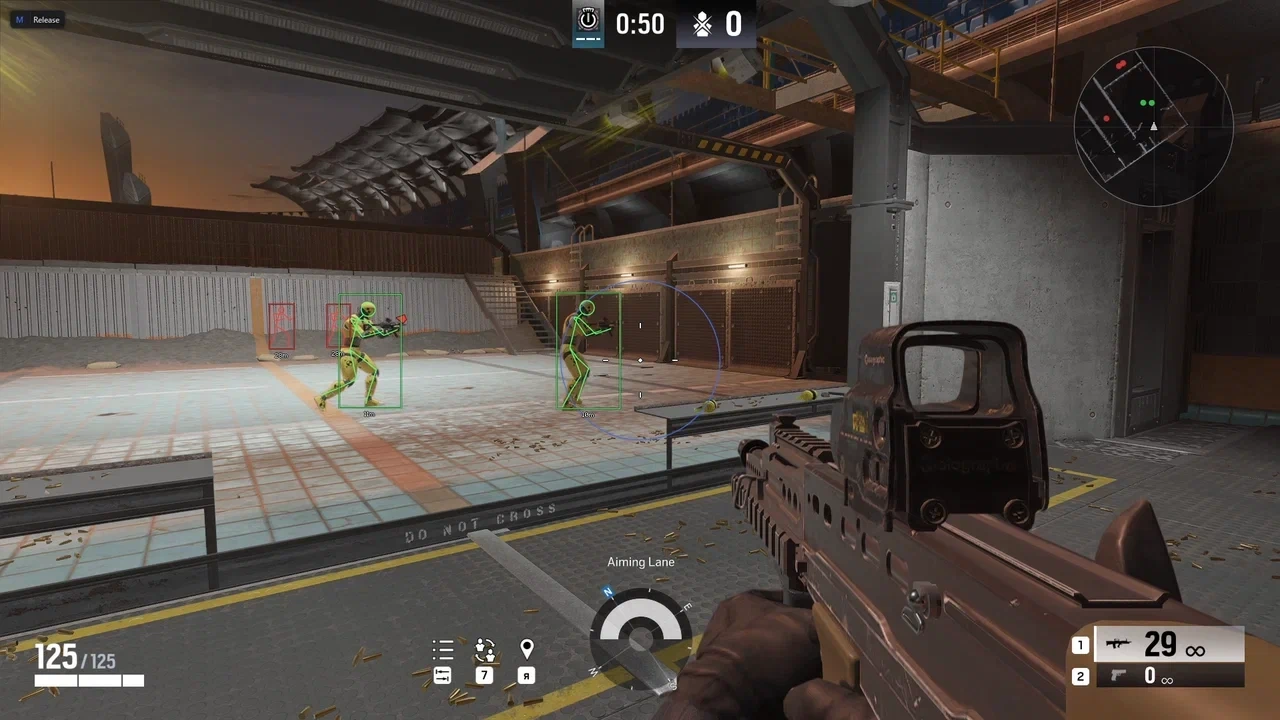
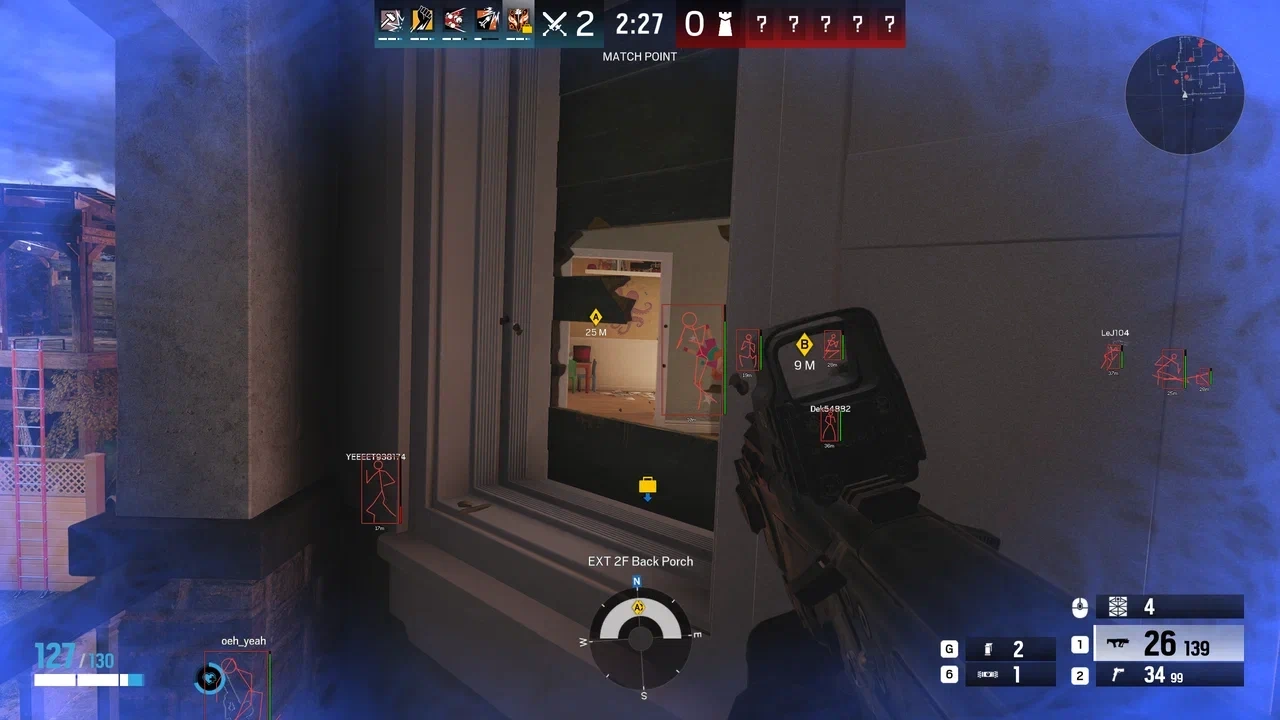
- Box – enable a frame/box around players
- Health Bar – show players' health bar
- Skeleton – displays the skeleton of player models
- Dead Players – allows displaying dead players
- Draw Indicators – enables visual indicators
- Radius – adjusts the radius of indicator placement
- Size – changes the size of the indicators
- Enable Radar – turns the radar on and off
- Draw Map – displays players on the map
- Radar Size – changes the size of the radar
- Radar Range – adjusts the distance at which objects are displayed on the radar
- Radar Point Size – changes the size of points on the radar
- Radar Opacity – adjusts the radar transparency
- ESP Preview – a preview window for your ESP settings
Bundle Offers
Save when you add all items
✓ All bundle items in cart